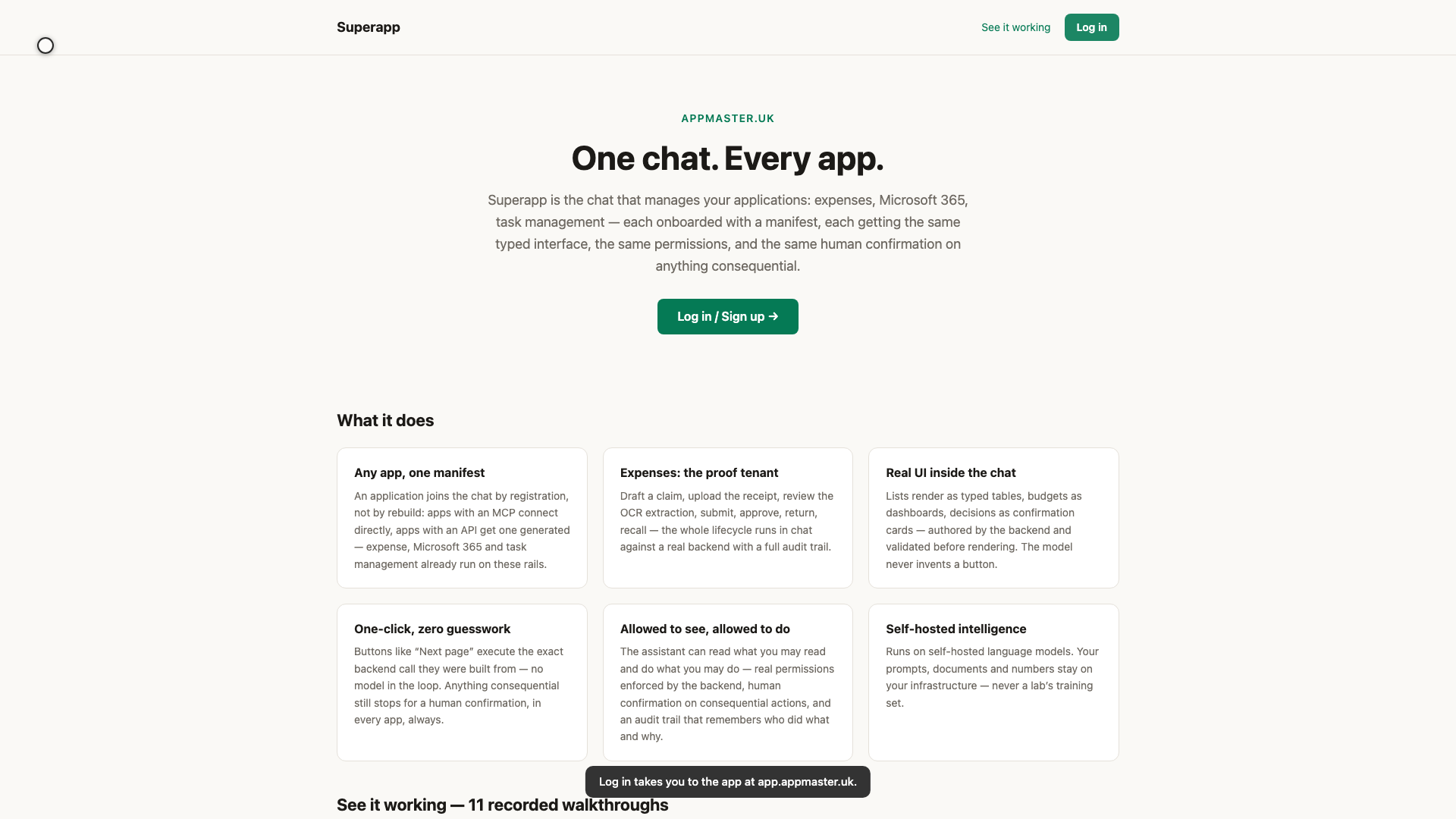
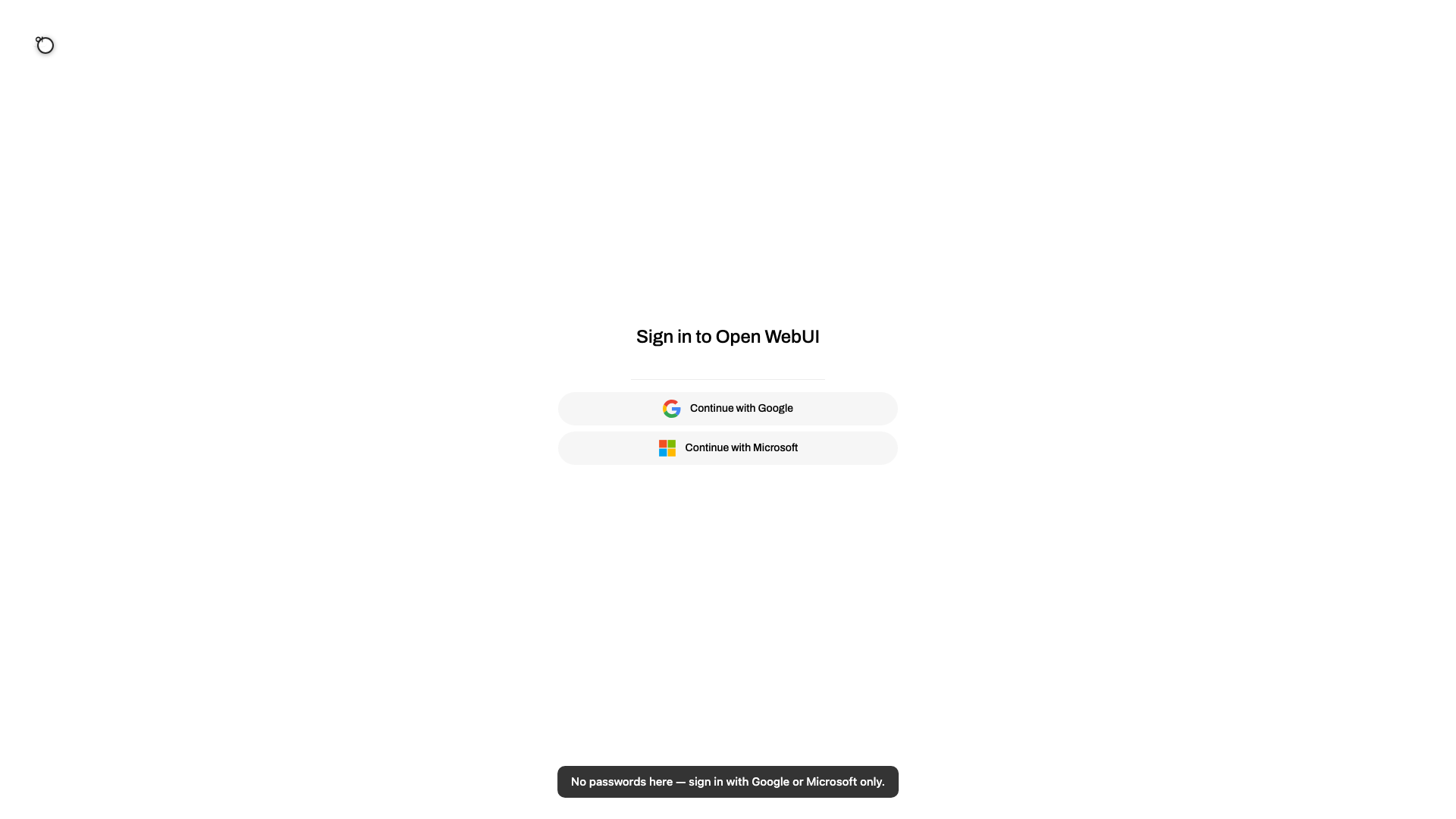
Objective: The public front door: appmaster.uk's Log in button leads to app.appmaster.uk, where sign-in is Google or Microsoft SSO only and new accounts wait for admin approval. Persona: a first-time visitor. Duration: ~45 s.
Suggested narration (one segment per on-screen caption, in order):
It starts on the public site — appmaster dot uk. Every tutorial you've seen
lives here, and so does the way in.
The Log in button takes you to the app itself, at app dot appmaster dot uk.
There are no passwords here. You sign in with the account you already have —
Google or Microsoft — and nothing else is accepted.
One more gate: a brand-new sign-in lands as pending. An administrator
approves it in the admin panel before the app opens up. Your front door is
public; the keys are not.